
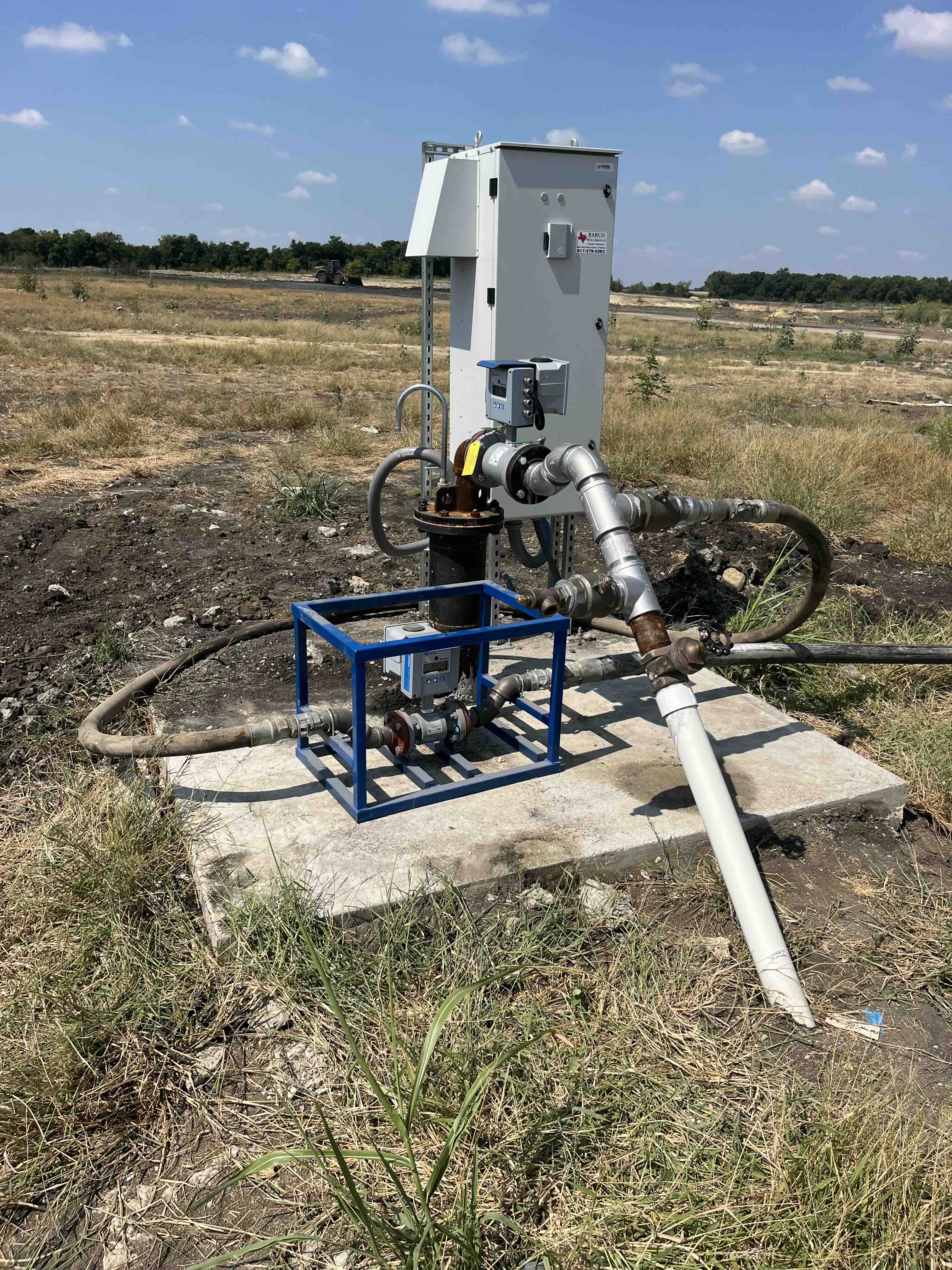
Driving out to check on a well
Barco Well Service installs wells, repairs pumps and manages water systems for residential, commercial and municipal customers. Its clients run from homeowners to golf courses, churches and neighborhood associations. Before Resource Monitor, reading a meter or checking on a pump meant sending a technician to the property.
A lot of those trips were only to answer one question. By the company's estimate, about 20-30% of calls from commercial customers came in just to find out whether a well was running, and the only way to know was to drive out and look.
The customers were working blind too. "My customers have no concept of how much water they're actually using," said Dylan, who founded Barco. Without detailed information, they couldn't plan well or catch a problem early.
Barco's own figures were estimates. The company worked out water use from pump capacity and run time, and Dylan found that method came up short: "after 7-8 hours, you have a 20% loss in production. After running for more than 7 days straight, you could experience up to 50% loss in production."
Reading meters by hand brought its own trouble, and mistakes left customers confused. "I can't tell you how many times I've had to reread a meter because somebody put a decimal point in the wrong place," Dylan said. One meter sat in a spot infested with honeybees, which made reading it nearly impossible.
Checking the app first
Barco partnered with Resource Monitor to put digital meters on its customers' systems. The meters track water use and report it to a mobile app that both Barco's team and its customers can open. The first thing that changed was the trip Dylan no longer had to make.
"On my HOAs using the system, I don't have to send anybody. I can just look at the app."
Barco's technicians had been spending a third of each day driving between sites, and the company says much of that driving is now unnecessary. The honeybee meter is a good example of where the time went. As Dylan put it, "That location with the honeybees still has them, but I don't need to send anyone there anymore."
A small leak at a church
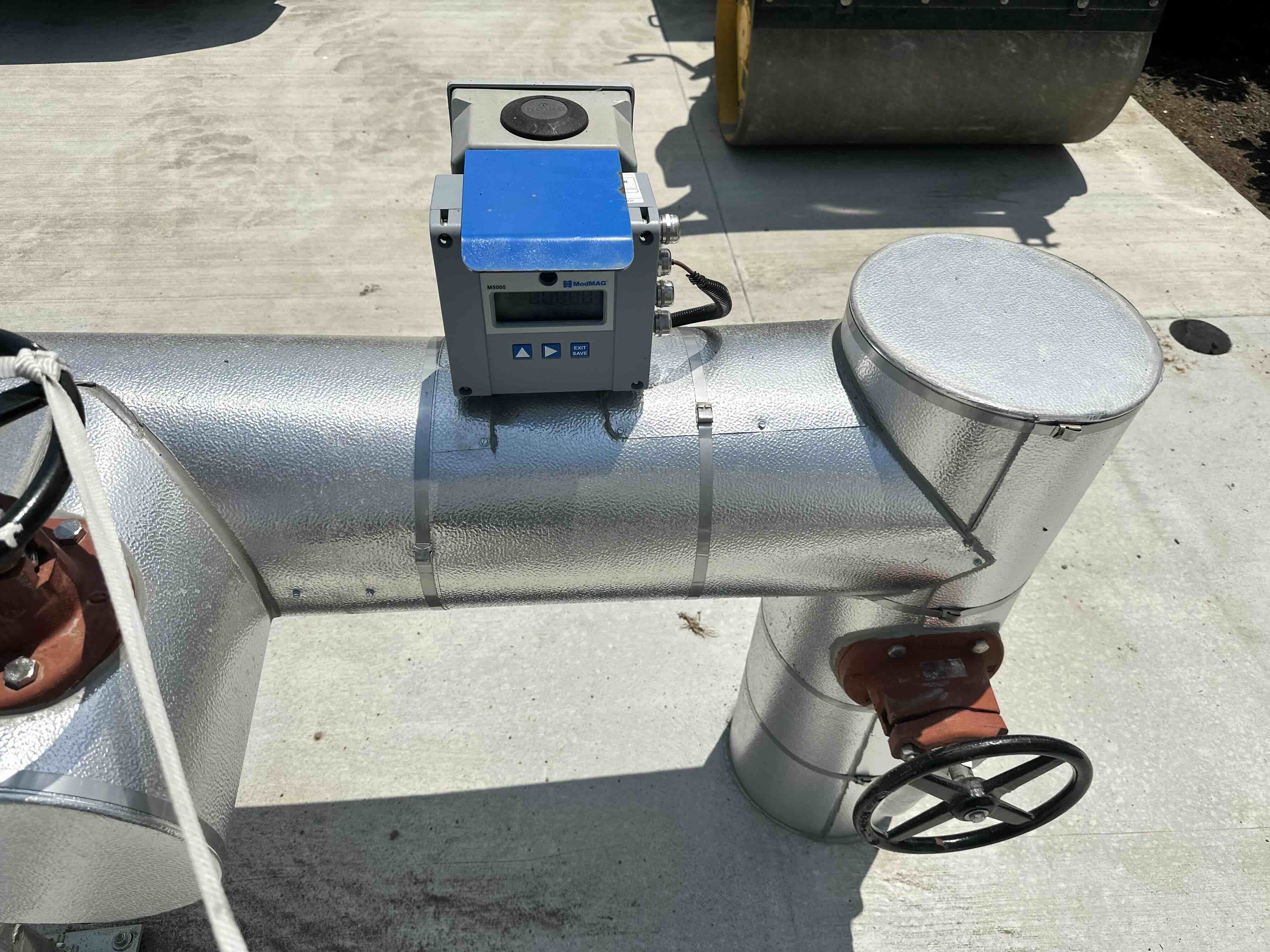
The clearest story Dylan tells is about a church whose pump system carries a Resource Monitor meter, and an alert that came in from it.
"We have a church with a Resource Monitor on their pump system. We got a low flow alert and found a small leak. Instead of the pump failing over the next month and costing $15,000 to replace, they fixed the leak quickly."
That replacement cost is Dylan's estimate of what the church would have faced had the pump failed. He said the church wasn't the only case. "I've handled four cases in the last six months where we prevented warranty repair problems. It's saved me thousands of dollars as a contractor."
Homeowners see a different kind of alert. Commercial customers lean on the summary alerts, while residential customers get a notice when a well doesn't run the way it should. "Most residential sprinkler systems run overnight. They receive a notice saying, 'Your well didn't run yesterday.' Then they call us before their landscaping dies, which is much better than calling after everything is already dead."
